Beginner guide
ChatGPT for Beginners: Your First 10 Minutes
If you have never used ChatGPT, this is the only guide you need for day one. In ten minutes you will open it, ask your first questions, learn the one habit that makes answers much better, and know what to keep private.
Minute 1: What ChatGPT actually is
ChatGPT is a chatbot made by a company called OpenAI. You type a message in normal words, and it writes a reply. You can ask it to explain something, write a draft, give you ideas, or help you plan.
Think of it as a fast, well-read helper who is great with words but sometimes gets facts wrong. That is why we check important answers (more on that below).
Good to know: ChatGPT has a free version. You do not need to pay to follow this guide.
Minutes 2 to 3: Open it
- On a computer: go to chatgpt.com in your browser. Check the address carefully, because there are fake look-alike sites.
- On a phone: download the official ChatGPT app by OpenAI from the App Store or Google Play. Check that the developer is OpenAI.
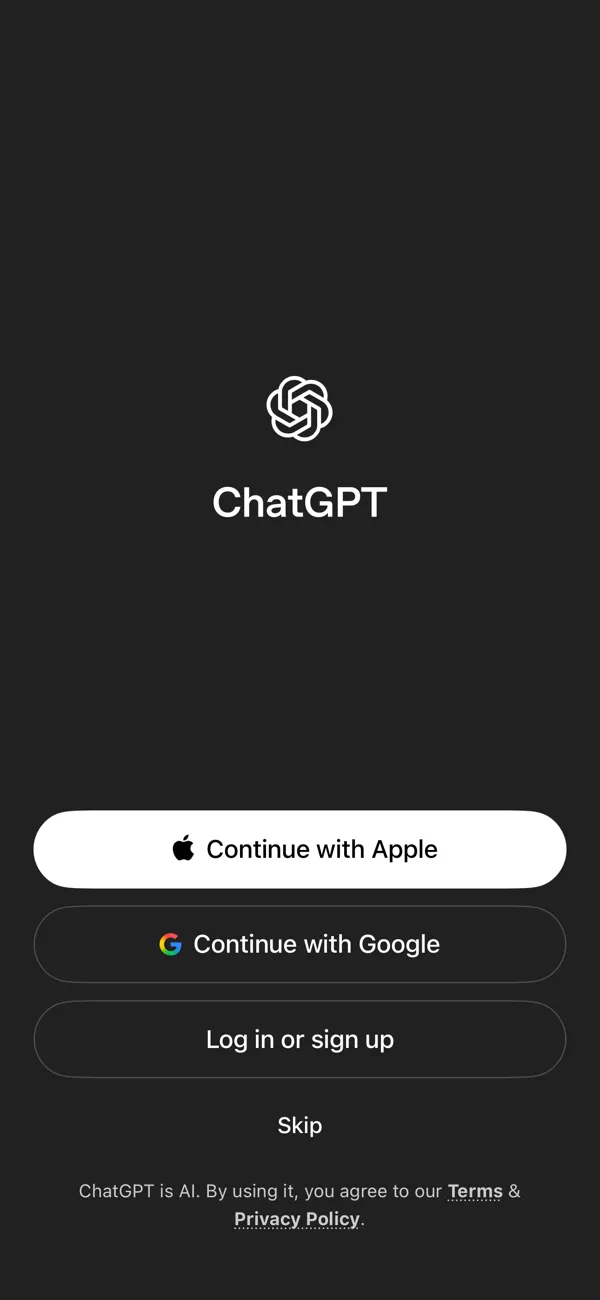
- Sign up or log in with your email, Google, Apple or Microsoft account. A free account keeps your chats so you can come back to them.
You will see a box at the bottom of the screen. That is where you type. That is all you need.
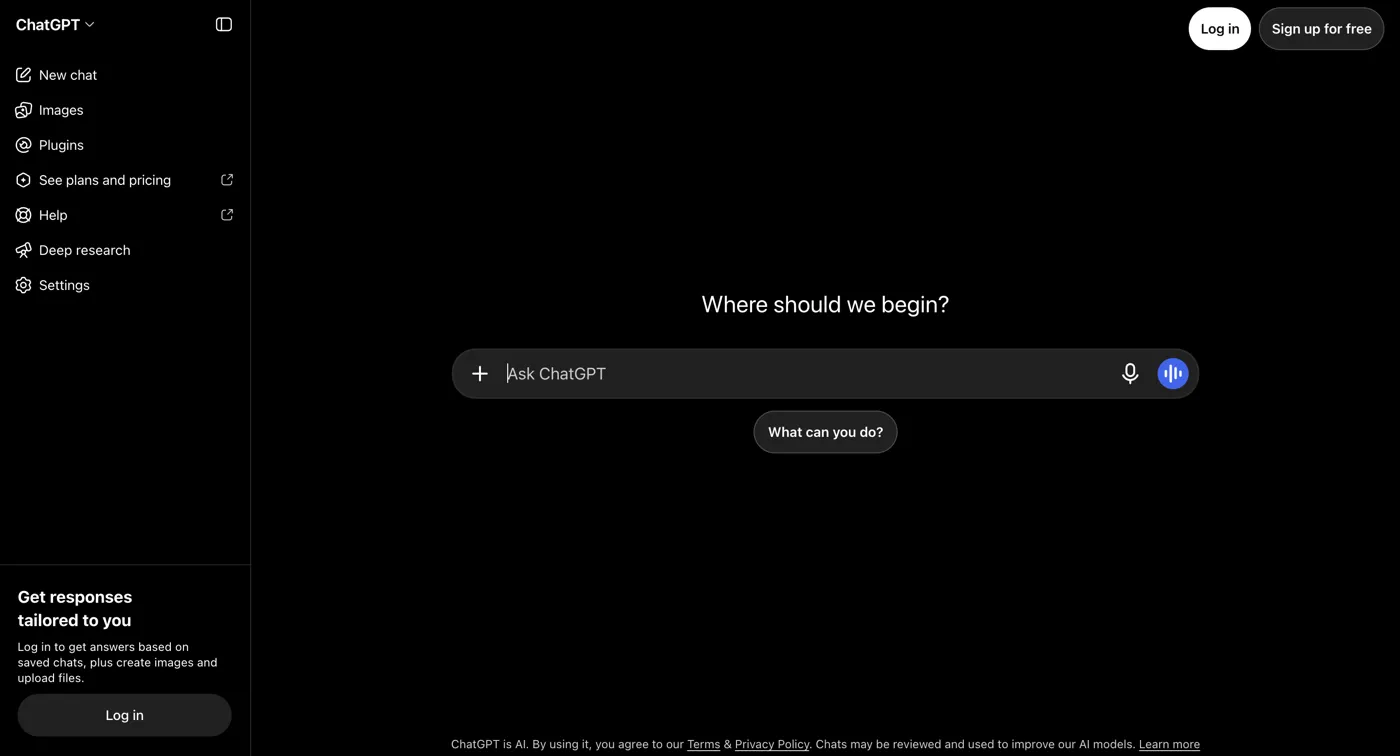
Notice the Log in and Sign up for free buttons at the top. You can try a few questions without an account, but logging in saves your chats and unlocks images and file uploads.
Minutes 4 to 6: Your first three questions
Copy these one at a time into the box and press Enter. They show you three different things ChatGPT is good at.
1. Explain something
2. Write something for you
3. Help you decide or plan
Notice that you can keep talking. If an answer is too long, just reply "shorter". If it is too formal, reply "make it more casual". It remembers what you said earlier in the same chat.
Minutes 7 to 8: The habit that gets better answers
Most beginners type very short questions and get generic answers. The fix is simple: give context. Before you ask, tell ChatGPT three things:
| Tell it | Example |
|---|---|
| Who you are or who it is for | "I am a nurse working night shifts..." |
| What you want | "...give me a weekly meal prep plan..." |
| How you want it | "...as a short list, with a shopping list at the end." |
Compare these two:
The second one takes 15 seconds longer to type and gives a far more useful answer. For more tricks, see 12 everyday things you can do with a free AI chatbot.
Minutes 9 to 10: Stay safe
- Do not share private data: passwords, bank or card numbers, ID numbers, or other people's personal details.
- Check facts that matter: ChatGPT can sound sure and still be wrong. For health, money or legal questions, use it to prepare, then confirm with a professional. Read our guide on how to spot AI mistakes.
- Use the real app or site: only chatgpt.com or the official OpenAI app. Be careful with ads promising "ChatGPT Pro for free".
- Check your settings: in the settings menu you can see your chat history and data controls. Take a minute to look at them.
What to try tomorrow
- Ask it to rewrite one email you need to send.
- Ask it to explain one thing you have always been confused about.
- Try improving your resume with ChatGPT.
Get one AI tip every week
Short, practical, free.
One short email a week. You will get a confirmation email first. Unsubscribe any time. Privacy.